Flash OCO OSO
A cTrader plugin for placing linked OCO (Order Cancels Order) and OSO (Order Sends Order) setups on the chart, without typing prices by hand.
Features
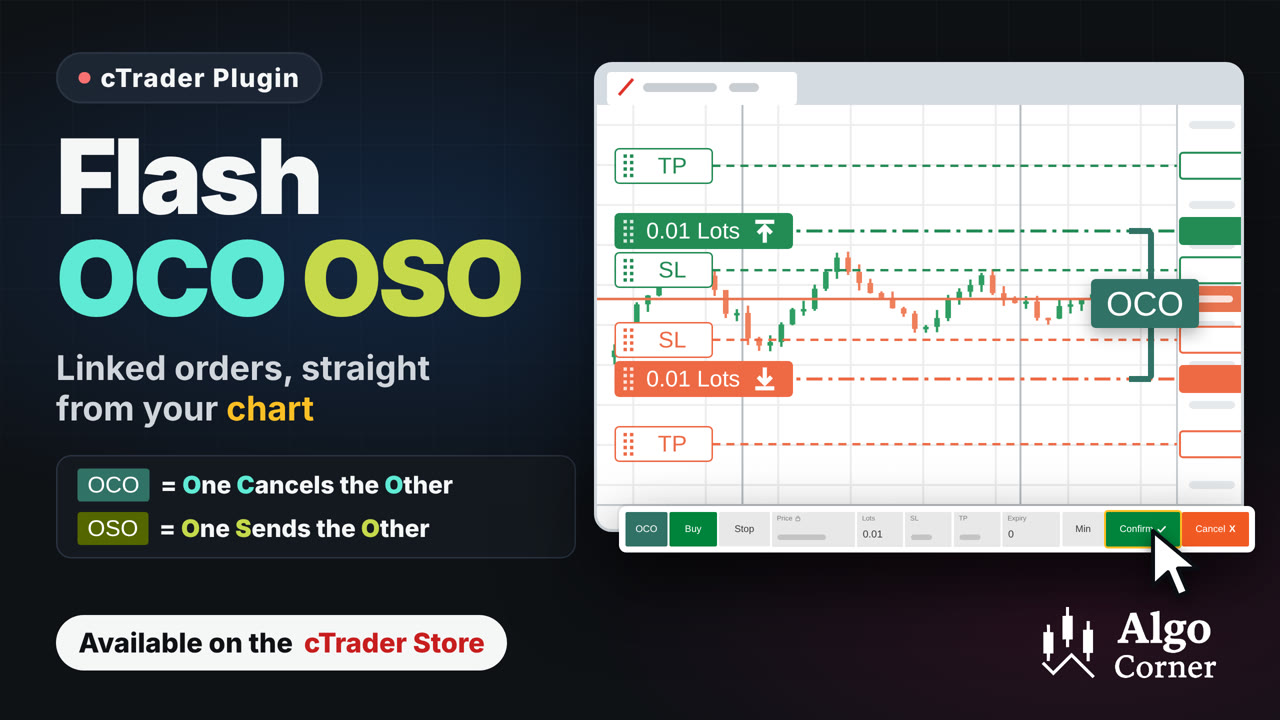
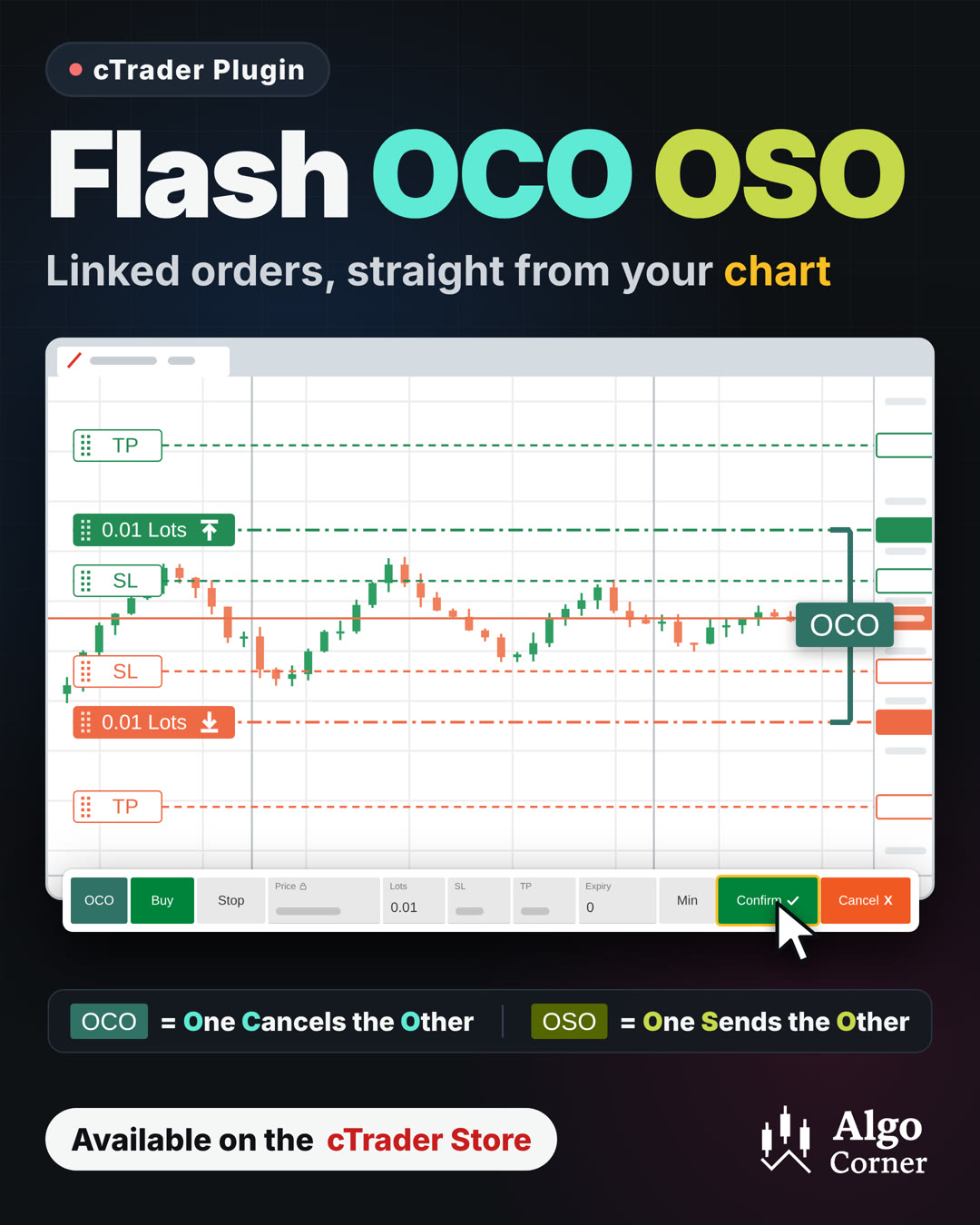
Build OCO and OSO setups on the chart, check them, then confirm.
Quick setup
Click a price, fill in one short bar, confirm. Repeat for the second order.
Visual order placement
Draw order lines and drag them to the exact price. Price is set from the chart only and locked in the bar, so a stray keystroke can't move your entry.
Multiple active setups
Run several independent setups at once, for breakouts, reversals or conditional entries at different levels.
Settings per order
Stop Loss, Take Profit, a separate lot size for each leg, Buy/Sell, Stop/Limit, one expiry per setup, OCO or OSO.
Runs as a plugin
Not attached to a chart. Click the icon and start, with nothing added to your charts.
Input checks
Invalid values turn red and Confirm stays off until they're fixed. The plugin links the orders for you, so there's less to do by hand.
How It Works
Four steps.
Activate the plugin.
Flash OCO/OSO runs as a plugin. Click its icon and the setup starts, with no need to attach it to a chart.
Set up the first order.
A visual order line is drawn. Pick OCO or OSO, Buy or Sell, Stop or Limit, then set Lots, Stop Loss, Take Profit and an optional expiry.
Drag to the exact price.
Drag the line to where you want the order. Price follows the line and is locked in the bar.
Second order.
After you confirm, set up the second order. The plugin links the two by your OCO or OSO choice.
See it in action
A 60-second look at Flash OCO OSO 1.3 — linked orders, straight from your chart.
What's new since 1.2
Lots for each leg.
The two orders can use different sizes.
One expiry per setup.
Type a number and click the unit button to cycle Sec/Min/Hr/Day (0 = GTC). OCO legs expire together. In OSO only the entry expires.
Price locked to the chart.
A small lock icon shows Price can't be typed over.
A more compact bar.
Floating-label fields on one row, matching cTrader's Light and Dark themes. The OCO/OSO switch comes first, and Price comes before Lots.
Input checks.
Bad values turn red and Confirm waits until they're fixed.
Shift+X
Cancels the setup you're building. The hint shows on the chart.
Why Choose Flash OCO OSO?
Get Flash OCO OSO
Download, install it in cTrader, and place your first linked setup.
Instant download • Lifetime updates • Support by email